
Snapchat Public Profile Insights: Followers, Views vs Viewers, Interactions
How to read Snapchat Public Profile numbers: what followers are, why views run ahead of viewers, and which counts a creator should really watch.
Anonysnap Team · · 5 min read
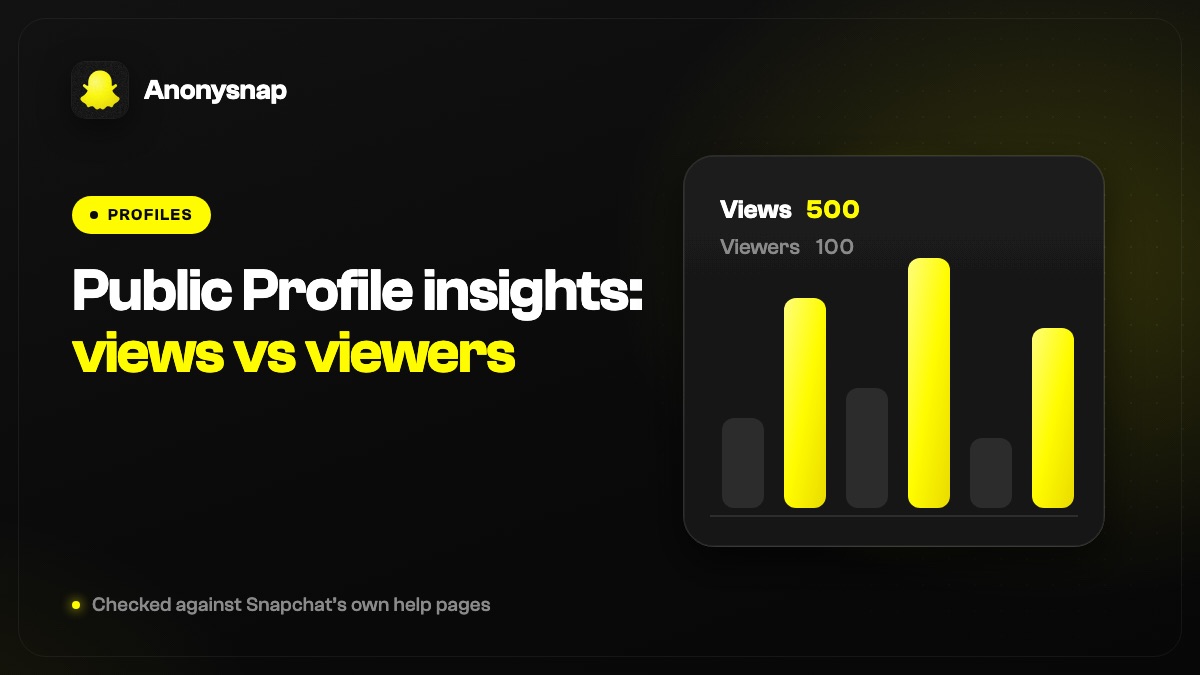
Followers are people who follow your Public Profile one way, without becoming your friends; views add up every play of every Snap in a Story, while viewers count each person once. Your follower list sits under View All in My Account, and Insights adds screenshots, clicks, replies and watch time as separate counts.
Why a single number can mislead you
Open Insights after a busy week and it is tempting to treat the biggest figure on the screen as a grade. A creator sees a high view count and assumes the audience grew. A bakery owner sees a flat follower number and decides Snapchat is not doing anything for the shop. Both readings skip a step.
Each count answers one narrow question. Views say how often Snaps were played, viewers say how many people turned up, and followers say how many chose to follow you without becoming friends. Read together, they describe how your posts are landing. Read alone, almost any of them can tell a flattering or a gloomy story that is not quite true.
It also helps to remember what the numbers are about. Insights describe your posts and your audience as a group, not any one person, and that limit is worth keeping in mind before you read meaning into a dip.
Where to find your followers, and what following means
Snapchat sums up the relationship in two sentences: "A friend is a two-way relationship on Snapchat. A follower is one-way." With a Public Profile, people can follow you without you adding them back, and you can follow public accounts without becoming their friend.
In practice, followers see what you post publicly, while friends can also see Stories you keep to friends only. When someone from either group watches a Story from their own account, their name shows up in your viewer list. People who are neither sit under a separate label, explained in what "Other Snapchatters" means.
The Followers tab only appears once you have a Public Profile. To reach it:
- Open My Account by tapping your Bitmoji or your Story icon.
- Under Friends & Followers, choose View All.
- Use the tabs to move between Friends, Following and Followers.
- For the follower total, open the Insights tab and look at the Audience section. Demographic details are added once you pass 200 followers.
Views and viewers, worked through one Story
Snapchat's glossary keeps the two apart. Snap Views is the total of views added up across every individual Snap in a Story, while Viewers is the count of unique people who watched it. One person can add many views but only ever counts as one viewer.
Picture a Story of five Snaps. If 100 people watch every Snap, that comes to 100 viewers and about 500 views. If nearly all of them leave after the first Snap, viewers still read 100 while views drop close to that same figure. The gap between the two is the interesting part: the wider it is, the further people are getting through what you posted.
This is where each number misleads on its own. A large view count can come from a modest, loyal group tapping through long Stories, so it can overstate how many people you reached. A large viewer count with few views per person can mean plenty of people opened the first Snap and moved on, so it can overstate how much they cared. Spotlight adds its own wrinkle, because there a view is counted when someone starts watching, not when they finish.
Which counts are worth trusting
The quieter numbers in Insights often say more about real interest than the headline figures, because each one records a small deliberate action rather than a scroll past.
Spotlight posts carry a few extra counts of their own, including how many new followers a post brought in and, if you have switched on Show Favorite Counts in your Public Profile settings, how often it was favorited.
| Count | What it records | How it misleads when read alone |
|---|---|---|
| Snap Views | Views added up across every Snap in a Story | Long Stories push it up even when the audience is small |
| Viewers | Unique people who watched | Says nothing about how far they got |
| Average View Time | How long people spend watching, on average | Only fair when you compare posts of a similar length |
| Screenshots | Times a viewer screenshotted a Snap | Shows someone wanted to keep it, not that they liked it |
| Clicks | Times a viewer clicked or swiped up from a Snap to a destination | Only worth comparing on Snaps that gave people somewhere to go |
| Replies | Story Replies sent to a Snap | Small numbers here are normal and still worth a lot |
| Interactions | Not separately defined in Snapchat's glossary | Treat it as a rough total and rely on the specific counts |
A weekly check that keeps things in proportion
Checking every day tends to turn normal ups and downs into worry. A short look once a week, following the same steps each time, gives a fairer picture and takes only a few minutes.
What you weigh most depends on why you post. For a small business, the counts that track intent, such as clicks to your link or a screenshot of a product, usually matter more than reach. For a creator, steady viewers and a healthy gap between views and viewers say more than one post that spiked.
- Scroll down the Recent tab to the 28-Day Summary, so one week sits against a longer stretch.
- Switch Average View Time between the 7-day and 28-day ranges to see whether attention is rising or slipping.
- Read views and viewers side by side for each Story rather than either figure alone.
- Note clicks and replies on the posts that asked for them, since those show people acting on what they saw.
- On Spotlight, tap See More on a post to compare it with others by viewers, followers gained or shares.
- Glance at the Audience section for your follower total, and at the demographic breakdown once you have more than 200 followers.
- Keep a simple running note of the figures. Slow trends show up on paper long before memory picks them up.
What Insights will not show you
None of these counts points to a person browsing your page. Snapchat's glossary has no metric for profile visitors, so there is no hidden list of who looked you up, a point covered in more depth in whether anyone can tell who looked at their Snapchat profile.
Names appear in one place only: the viewer list on a Story, for people who watched from their own account. Even the rewatch feature that comes with a subscription reports a number rather than names, as the guide to checking who replayed a Story explains.
So if a sudden jump makes you wonder who is behind it, the honest answer is that Insights is built to tell you how a post performed. It was never meant to tell you which particular people were watching, and reading names into a rising curve usually leads to guesses rather than answers.
What a stranger sees on your public profile
Some of your numbers are not private. Snapchat notes that "Viewer, Repost, Comment, and Share counts may be publicly visible in Spotlight playback or on your Public Profile." Your public Stories, Highlights and Spotlight posts can be seen as well, by followers inside the app and by anyone who opens your public page in a web browser.
That is worth a moment of thought before you post. A shop sharing its opening hours wants exactly that reach. A creator filming outside their home street may be less keen on every detail sitting on a page anyone can load.
To see the page for yourself, enter your own username in the anonymous Snapchat viewer. It loads your profile the way someone who is not signed in would find it, with your subscriber count, current Stories, Highlights and Spotlight posts next to their public counts. It only shows what that public page already shows, so friends-only Stories, chats and Memories stay out of it.
Frequently asked questions
Where is the followers list on a Snapchat public profile?
In My Account, choose View All under Friends & Followers and open the Followers tab. That tab only exists for accounts with a Public Profile.
Why are my Snapchat views higher than my viewers?
Views add up every play of every Snap in a Story, while viewers count each person once. Someone who watches all five Snaps in a Story adds five views but stays a single viewer.
What is a click in Snapchat Insights?
A click is logged each time a viewer clicks or swipes up from your Snap to a destination, such as a website or a Public Profile.
What does interactions mean on a Snapchat public profile?
Snapchat's Insights Glossary does not define interactions on its own. Read it as a broad engagement total, and lean on screenshots, clicks and replies when you need specifics.
When does Snapchat show audience demographics?
The Audience section of Insights adds demographic details once a Public Profile has more than 200 followers. Below that, you see the follower total.
Sources and further reading
- Snapchat Help Center: Insights Glossary for Snapchat Creators (checked 7 Nov 2026)
- Snapchat Help Center: How do I view Content Insights for my Public Profile? (checked 7 Nov 2026)
- Snapchat Help Center: How do I view Audience Insights for my Public Profile? (checked 7 Nov 2026)
- Snapchat Help Center: What's the difference between followers and friends if I have a Public Profile? (checked 7 Nov 2026)